SQL editing that knows your schema
Complete table and column names, format SQL, run a selection, and return to saved query tabs.
Write SQL or ask in plain English. Explore relationships, inspect query plans, and work with database results or local files in one desktop app. Free and open source for macOS, Windows and Linux.
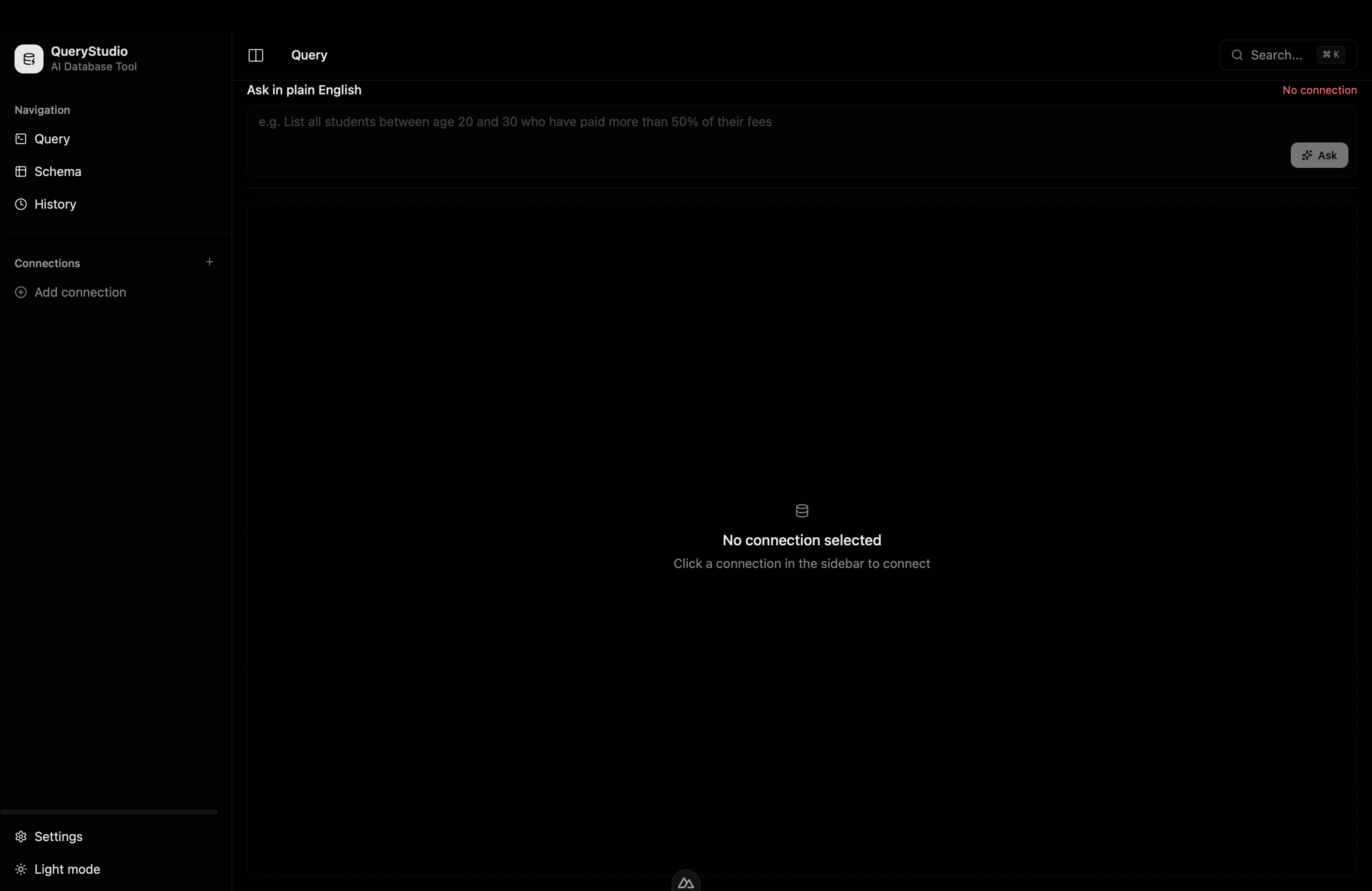
New in v0.0.9: fixed in-app update installation. Includes the editing, exploration, connection and file tools introduced in v0.0.8.
Complete table and column names, format SQL, run a selection, and return to saved query tabs.
Use Gemini, OpenAI, Anthropic, DeepSeek, Groq, local Ollama, or an OpenAI-compatible endpoint. Updated suggestions preserve your saved model ID.
Explore declared foreign keys in interactive ER diagrams. Inspect estimated EXPLAIN plans without running ANALYZE.
Resize columns, sort and filter loaded rows, scroll virtualized results, and open a cell to read its full value.
Use SSH tunnels, read-only connections, groups and environment labels. Credentials are encrypted locally with a key held in the OS credential store.
Preview CSV/XLSX files, map columns and import into SQL tables in a transaction. Query local CSV, JSON and Parquet files with DuckDB.
Compare SQL column metadata and copy conservative migration drafts for manual review. Drafts are never applied automatically.
Build the CLI separately from source for allowlisted access to saved SQL connections, including MCP tools over stdio.
Also connects to MongoDB, Redis, Firestore and Firebase Realtime Database, with live Firebase streams.
Connect to the databases you already use
How it works
Add your Postgres, MySQL, SQLite, MongoDB, Redis, or Firebase project. Use an SSH tunnel or a read-only connection where needed.
Bring your own provider key, or use local Ollama. Ask a question or write SQL with schema-aware completion.
Review the query and explanation before running it. Inspect an estimated plan, then sort, filter and explore the returned rows.
Ask in plain English
List the top 5 customers by total spend last quarter.
Generated SQL
SELECT c.id, c.name, SUM(o.total) AS spend
FROM customers c
JOIN orders o ON o.customer_id = c.id
WHERE o.created_at >= date_trunc('quarter', now() - interval '3 months')
  AND o.created_at <  date_trunc('quarter', now())
GROUP BY c.id
ORDER BY spend DESC
LIMIT 5;
Example PostgreSQL query. Review generated SQL before execution.
Download v0.0.9
Free and open source. Direct downloads from GitHub Releases, no account required.
.dmg installer
.exe / .msi installer
AppImage / .deb / .rpm
Looking for older builds? See all releases on GitHub.